


- SKU: LAB101BL-BLA-US
- VENDOR: Magicminer
Luckyaxe B101 Ultra-Low Power Desktop Miner | 2TH/s SHA-256, 40W
Couldn't load pickup availability

Worldwide Delivery
Efficient logistics to anywhere

Quality Guarantee
Committed to superior standards

After-Sales Service
Attentive support for every order


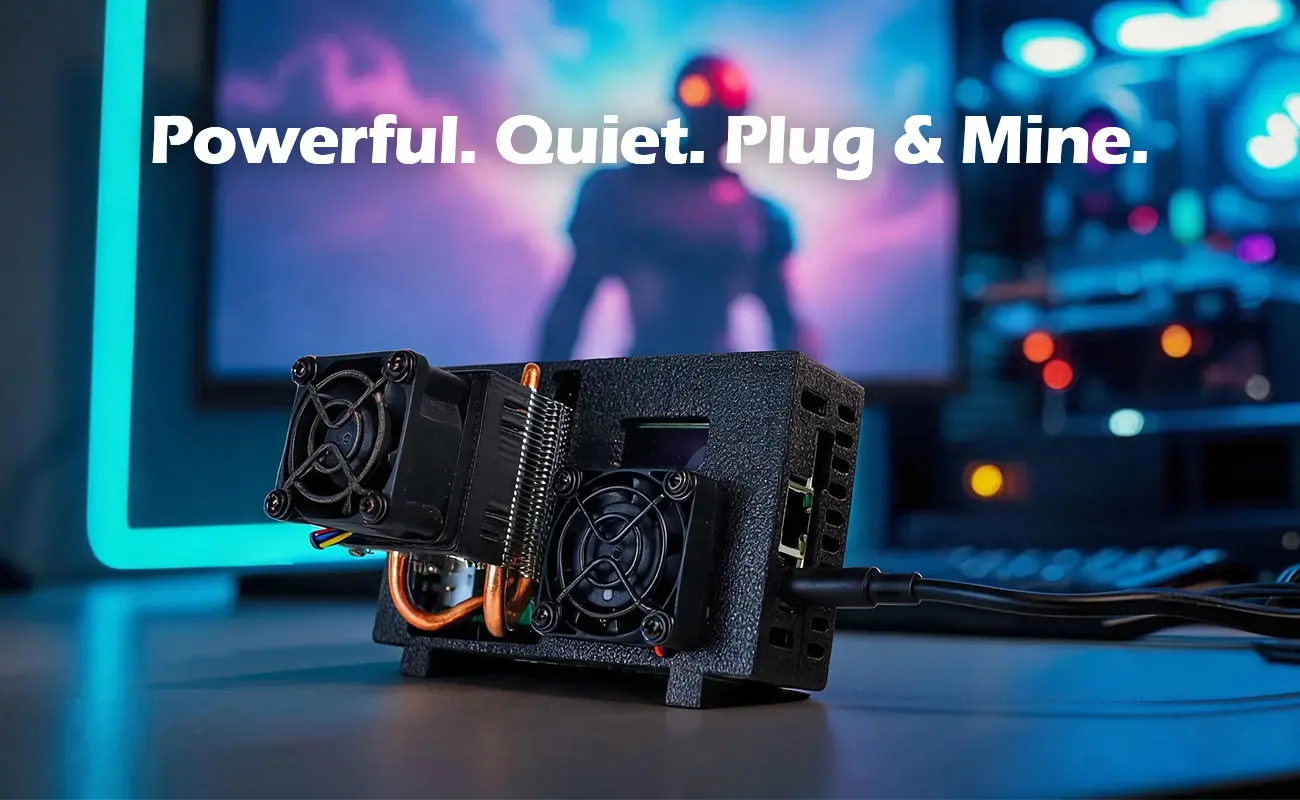
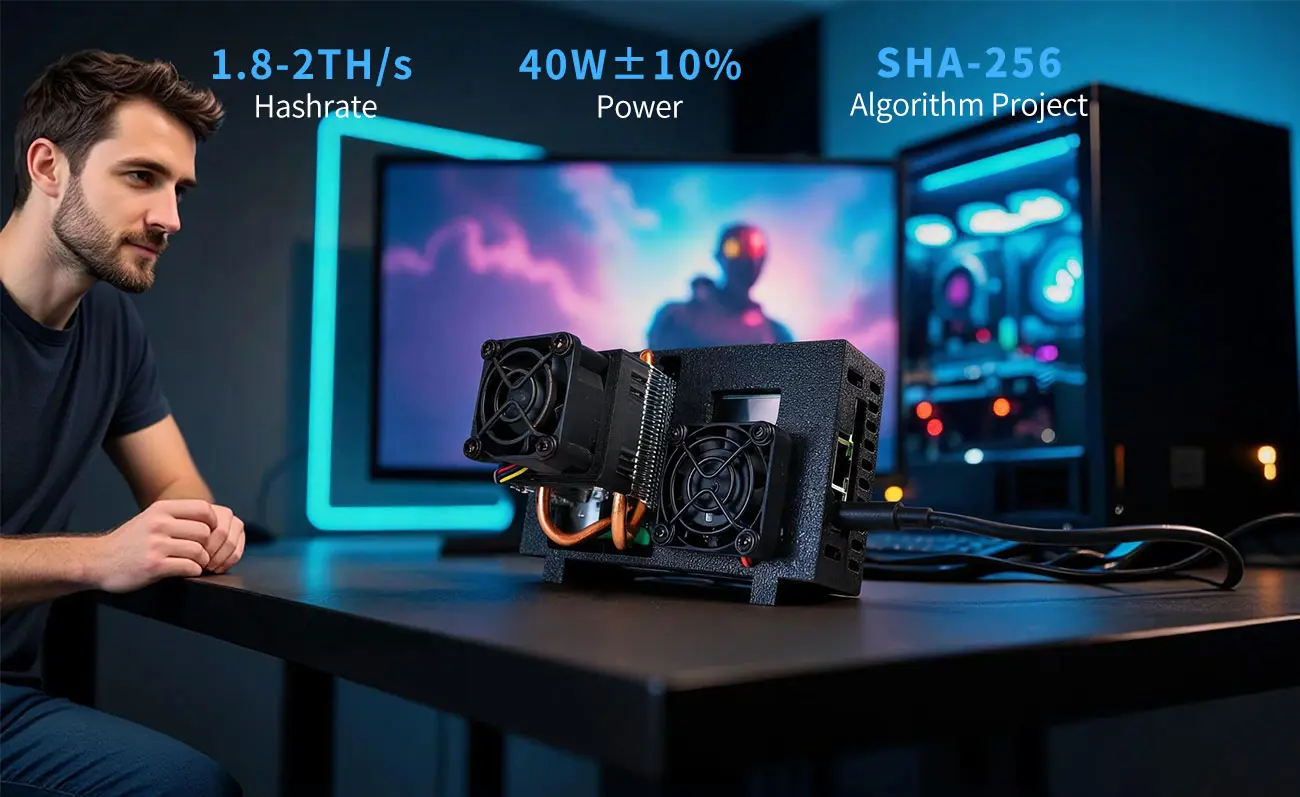
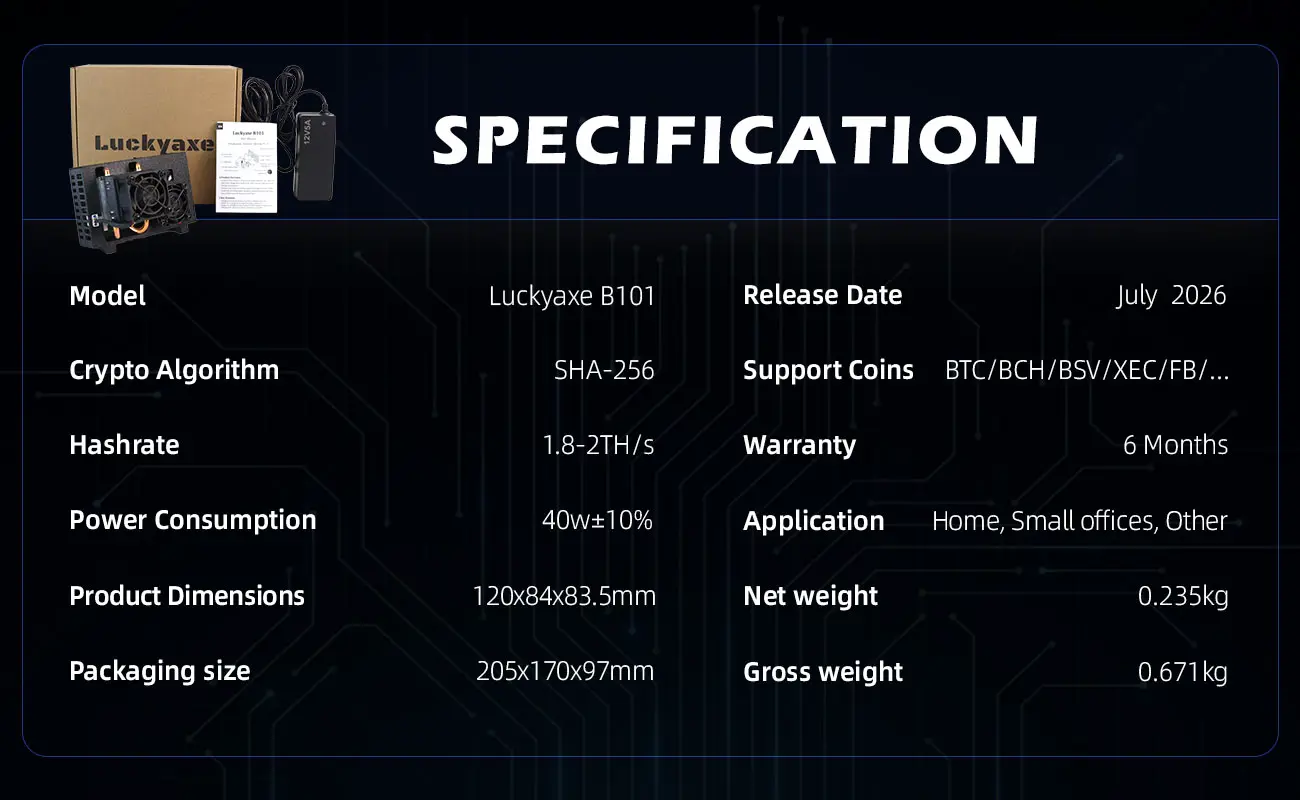
The Luckyaxe B101 is a next-generation desktop SHA-256 ASIC miner designed for enthusiasts, home miners, and small-scale mining environments. With a hashrate of 1.8–2 TH/s and power consumption of just 40W (±10%), it offers one of the best energy efficiency ratios in its class.
Key features include:
- Ultra-low power consumption: Only 40W, making it ideal for 24/7 operation without high electricity costs
- Whisper-quiet operation: Typically ≤40 dB, suitable for home offices and living spaces
- Desktop-friendly form factor: Compact design fits on any desk or shelf
- Dual-band WiFi: Supports 2.4G and 5G networks for flexible connectivity
- Multiple mining modes: SOLO, PPLNS, and PPS to suit different pool requirements
- Active air cooling: Heat pipe heatsink + PWM smart fan for stable thermal management
The B101 is designed for beginners and hobbyists who want a reliable, energy-efficient miner that runs quietly and consistently, 24 hours a day, 7 days a week.